Monthly Archives: February 2019

Final Logo

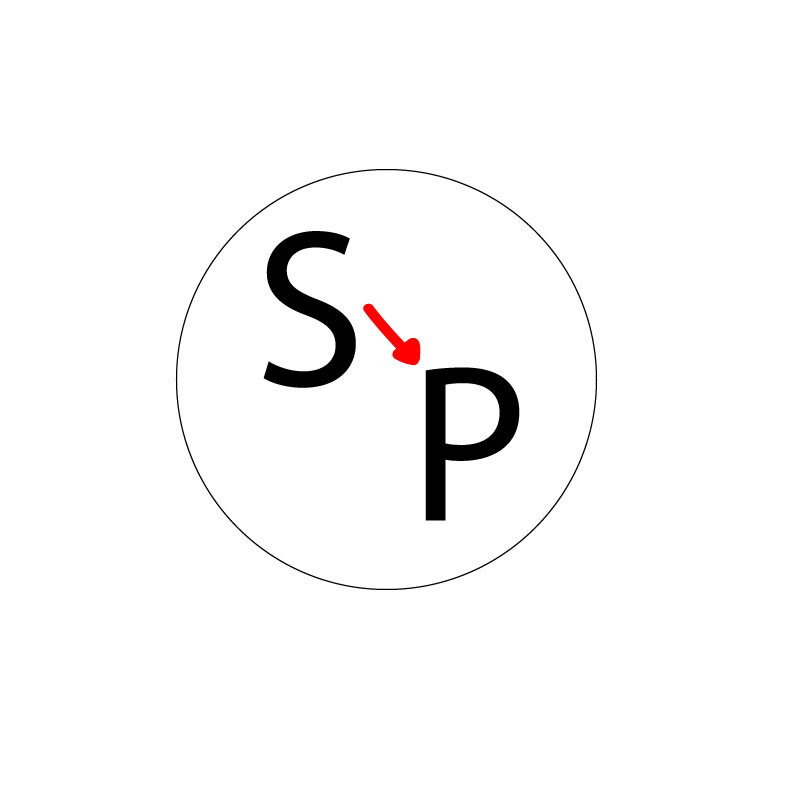
For my logo design project, I decided to create a circle with lettering on the inside. I chose the circle because it is very scalable and can go on business cards, be used for stickers, can be put on big and small things, along with multiple other uses. This logo relates to my topic because the “S” stands for Seattle and the “P” stands for Pullman. The arrow in the middle is used to represent the move from Seattle to Pullman. 

My design process was pretty simple for the most part. I researched the different types of logos that companies use and read reviews as to what designs they said worked best and which ones did not end up working so well. After reading some reviews and browsing through different logos, I came to the conclusion that using a circle as the main portion of my logo was the best fit. 

I used pretty basic tools in Illustrator to complete the look of my logo. I started by using the ellipse tool to create the outline of the circle. I decided to thicken the stroke in order for the circle to have a more powerful look to it. I set the stroke at a 10. I then used the text tool to type the “S” and the “P.” The font was initially very small on the letters, so I had to adjust it to fit the circle. The final number I came to for the font was 225. I also changed the font to give my logo a little more style. I then used the paint brush tool to draw the arrow separating the two letters. I chose the color red because I thought it was fitting for the Washington State Cougars. I ended up changing the arrow from a straight arrow to a looped one because I thought it looked better and more professional; it also added a little extra something. I actually didn’t experience any problems while using Illustrator; everything was pretty self explanatory and easily accessible. 

Logo Draft Project

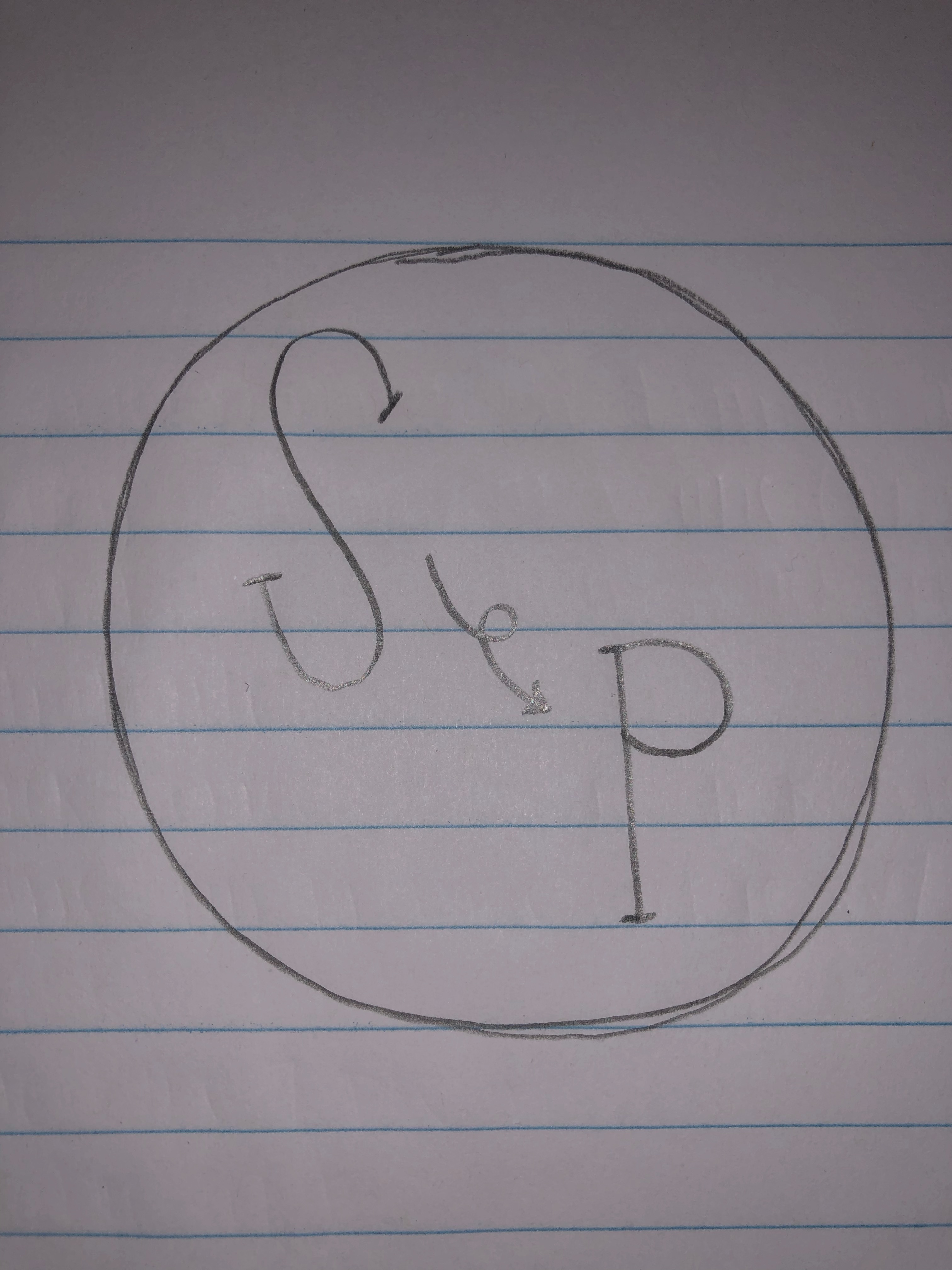
For my logo design project, I decided to create a circle with lettering on the inside. I chose the circle because it is very scalable and can go on business cards, be used for stickers, can be put on big and small things, along with multiple other uses. This logo relates to my topic because the “S” stands for Seattle and the “P” stands for Pullman. The arrow in the middle is used to represent the move from Seattle to Pullman.

My design process was pretty simple for the most part. I researched the different types of logos that companies use and read reviews as to what designs they said worked best and which ones did not end up working so well. After reading some reviews and browsing through different logos, I came to the conclusion that using a circle as the main portion of my logo was the best fit.

I used pretty basic tools in Illustrator for the most part. I started by using the ellipse tool to create the outline of the circle. I then used the text tool to type the “S” and the “P.” The font was initially very small on the letters, so I had to adjust it to fit the circle. The final number I came to for the font was 225. I then used the paint brush tool to draw the arrow separating the two letters. I chose the color red because I thought it was fitting for the Washington State Cougars. I actually didn’t experience any problems while using Illustrator; everything was pretty self explanatory and easily accessible.
Final Graphic Design Project

For this Graphic Design project, I decided to create a poster illustrating moving from my hometown of Seattle, to my new home in Pullman. Seeing as my topic is focused on living away from my family and moving away for college, a poster filled with pictures from both Seattle and Pullman seemed relevant and interesting to me. I have never really distinguished the difference between the two places, and this project is giving me the opportunity to do just that. 

Looking through people’s past projects from previous semesters inspired me to go with the poster look. There were so many beautifully designed ideas, but personally, I think I can be the most creative by simply making a poster and spicing it up as much as I can. I did not research a ton before coming up with my idea, but I, instead, thought about the different posters I have seen in my lifetime and which ones have constantly stuck with me. I want someone to look at my poster and have it be one that sticks out at them and be something they will remember forever. The elements in my design are very significant to my poster. I think putting photos of both Seattle and Pullmans shows the beauty in both places in a combined fashion, but also standing on their own. My design process is more simple than most. I decided to just use layers and start by contrasting the saturation of the colors in each of my photos. I started having the Seattle photo be black and white because I thought it looked better, but after receiving feedback from my peers, I realized it just dulled the photo, so I decided to add color to this city that is full of life. I also used the free transform tool to make the Pullman photos more transparent and blend together better with the Seattle photo. I wanted to take away some of the emphasis on the Pullman photos so that the Seattle photo stuck out just as much as the Pullman ones. To finalize my poster, I used the paint brush tool to add the white, glowing lines in between my text to show that I started in Seattle and moved to Pullman. 

Collecting photos for this was quite simple. I absolutely love taking pictures, so finding good times and places to take pictures of such pretty places was honestly pretty fun for me. Sunset is my favorite time to take photos, hence the reason two out of the three photos were taken at sunset. I didn’t use too many tools in the Adobe Software, but just the right amount to pull my poster together. I cropped the photos and used rotation to put each one at a slant. I also added saturation to bring out the coloring in each photo. One problem I ran into was finding tools on the side. I realized that you really have to just hover over the objects and a title and information of what each tool does is exemplified. Another problem I faced was figuring out how to round the edges of the photos, but with the help of my TA, we watched a tutorial on how to do it and I ended up just making the photos more transparent because I felt it looked better with the overall look of the poster. 

Graphic Design Draft

Ideas and Inspiration:

For this Graphic Design project, I decided to create a poster illustrating moving from my hometown of Seattle, to my new home in Pullman. Seeing as my topic is focused on living away from my family and moving away for college, a poster filled with pictures from both Seattle and Pullman seemed relevant and interesting to me. I have never really distinguished the difference between the two places, and this project is giving me the opportunity to do just that.

Looking through people’s past projects from previous semesters inspired me to go with the poster look. There were so many beautifully designed ideas, but personally, I think I can be the most creative by simply making a poster and spicing it up as much as I can. I did not research a ton before coming up with my idea, but I, instead, thought about the different posters I have seen in my lifetime and which ones have constantly stuck with me. Thinking about the end result of this project, I want someone to look at my poster and have it be one that stuck out at them and be something they will remember forever. The elements in my design, as I work towards making them even better, will be very significant to my poster. I think putting photos of both Seattle and Pullman will show the beauty in both places in a combined fashion, but also standing on their own. In the moment, my design process is very simple. I decided to just use layers and start by contrasting the saturation of the colors in each of my photos. As I work to make this even better, I plan on cutting and blending the photos and making the colors shine in their own individual ways.

Collecting photos for this was quite simple. I absolutely love taking pictures, so finding good times and places to take pictures of such pretty places was honestly pretty fun for me. Sunset is my favorite time to take photos, hence the reason two out of the three photos were taken at sunset. As of now, the tools I used in the Adobe software is very minimal because I wanted to start at a basic level and progress my project over time. I cropped the photos and used rotation to put each one at a slant. I also added saturation to bring out the coloring in each photo, while bringing the background saturation down to have a good backdrop base. The only problem I ran into was finding tools on the side. I realized that you really have to just hover over the objects and a title and information of what each tool does is exemplified. As this is a rough draft, I am very excited to continue on making this poster look absolutely amazing and something people will remember forever.